arventiqlabs.com/check-url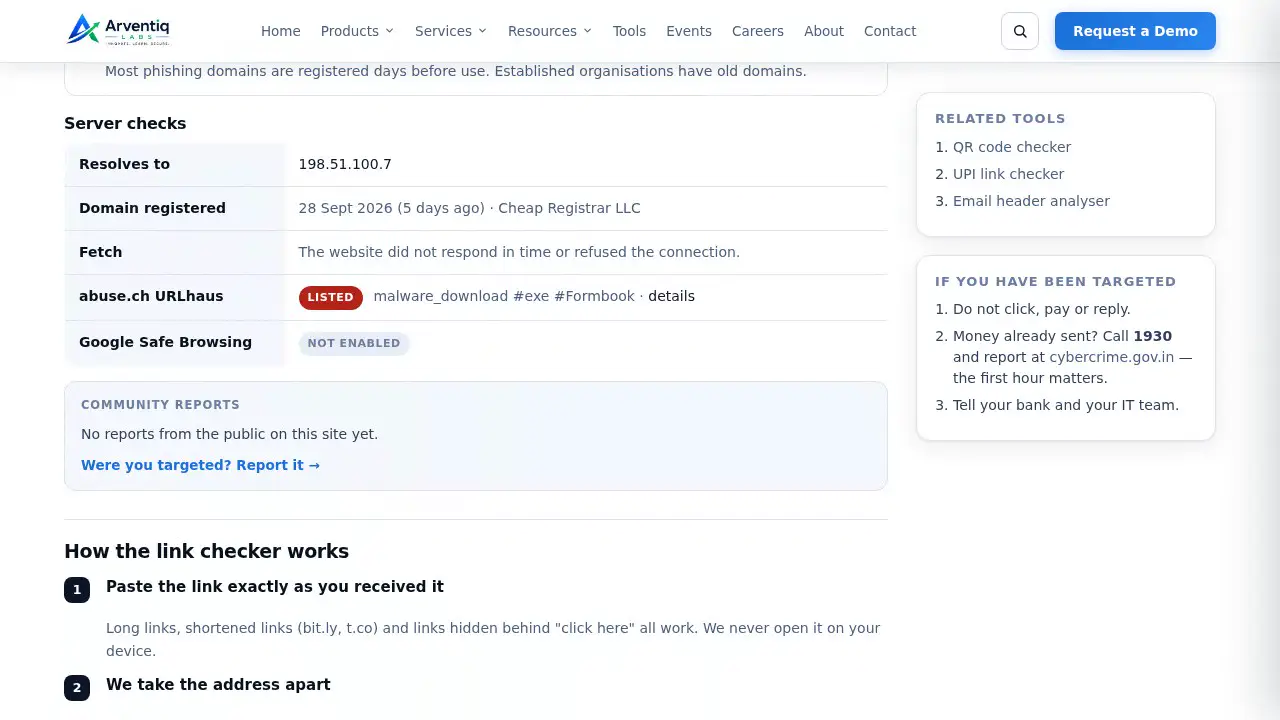
Link checker
A fake KYC link, flagged
Thirteen security tools we use ourselves, opened to everyone. Paste a link, drop a file, scan a QR code or type an IP — and get a plain answer in seconds.
We count how many times each tool runs, nothing else: no inputs, results, IP addresses or cookies.
For everyone. Most fraud starts with a link, a QR code or an attachment.
Passwords, breaches and what your connection reveals.
The checks we run during engagements, made self-service.
Eleven short screen recordings of the tools on this site. Press play on any of them. The examples are made up; the checks are the real ones.
A fake KYC link, flagged
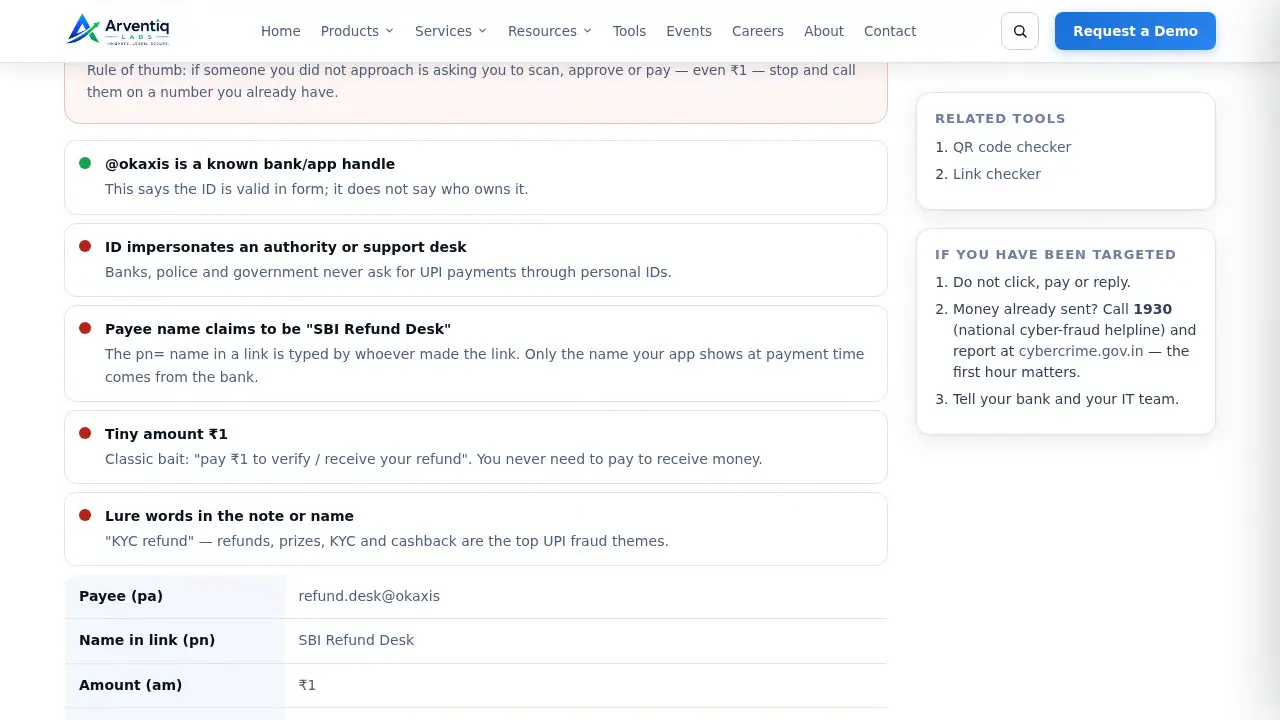
“Pay ₹1 for your refund”
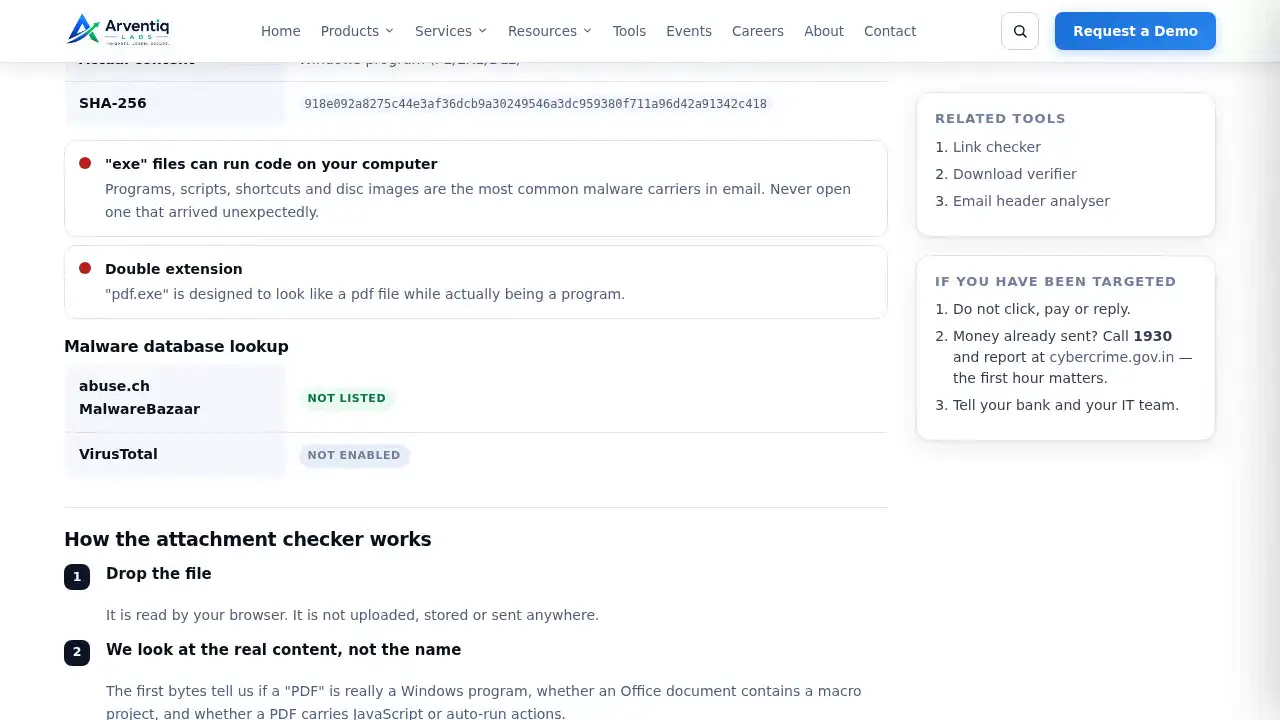
An “invoice PDF” that is a program
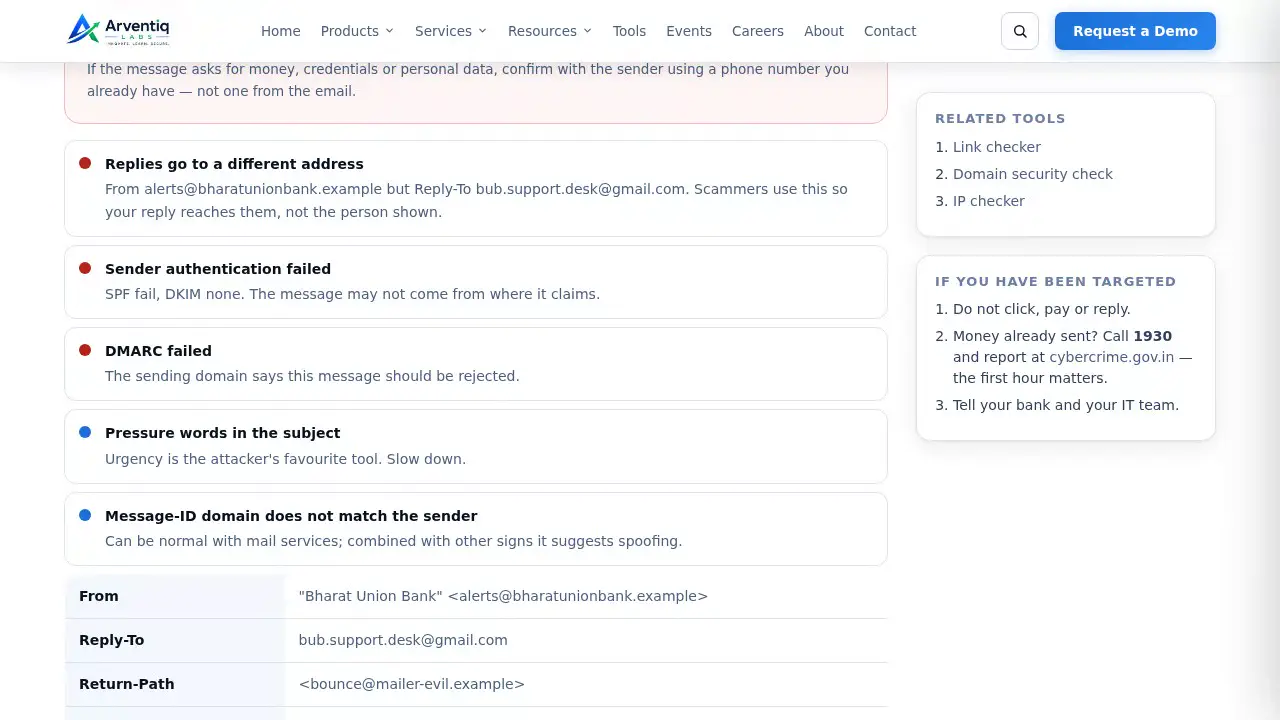
A spoofed bank email
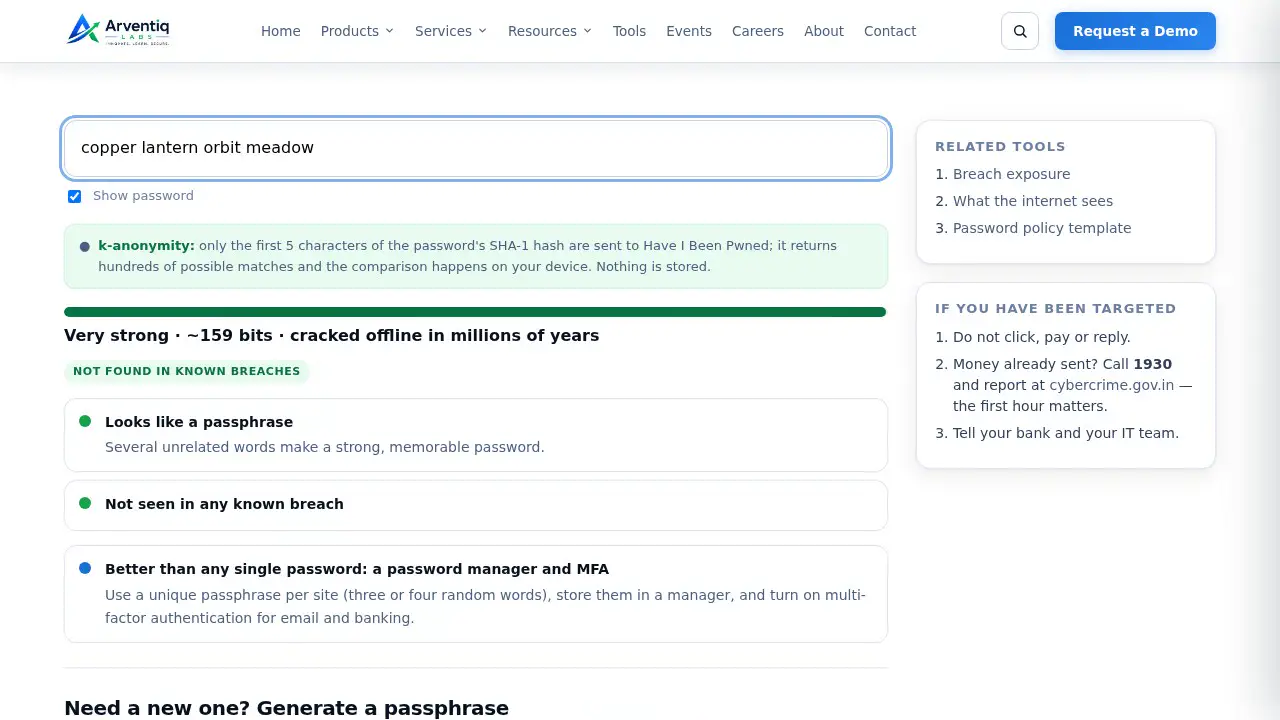
Leaked password vs passphrase
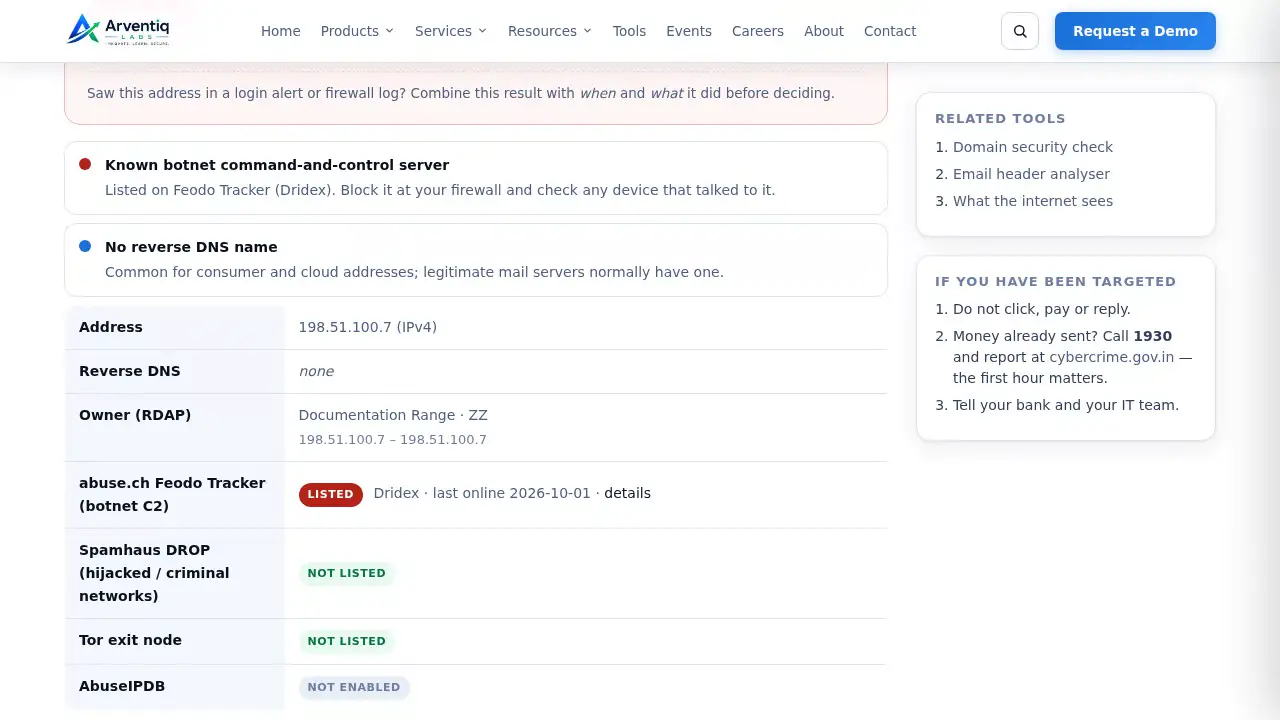
A known botnet server
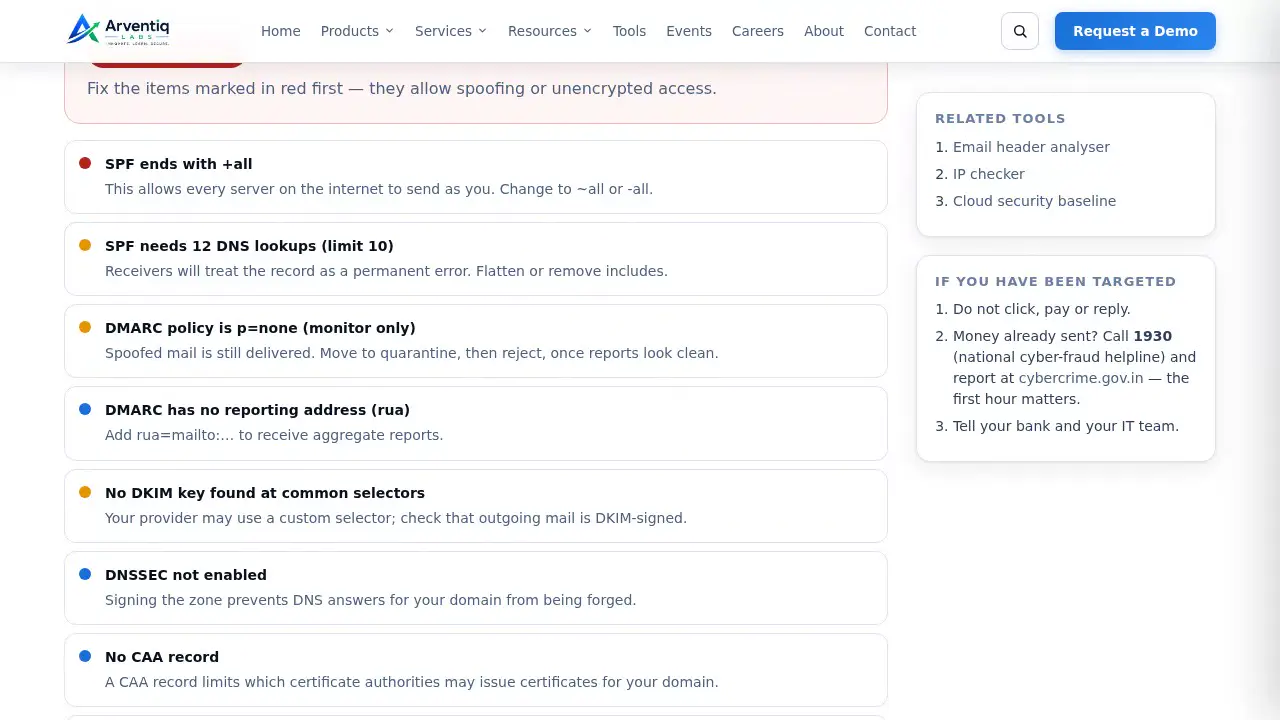
A domain anyone can spoof
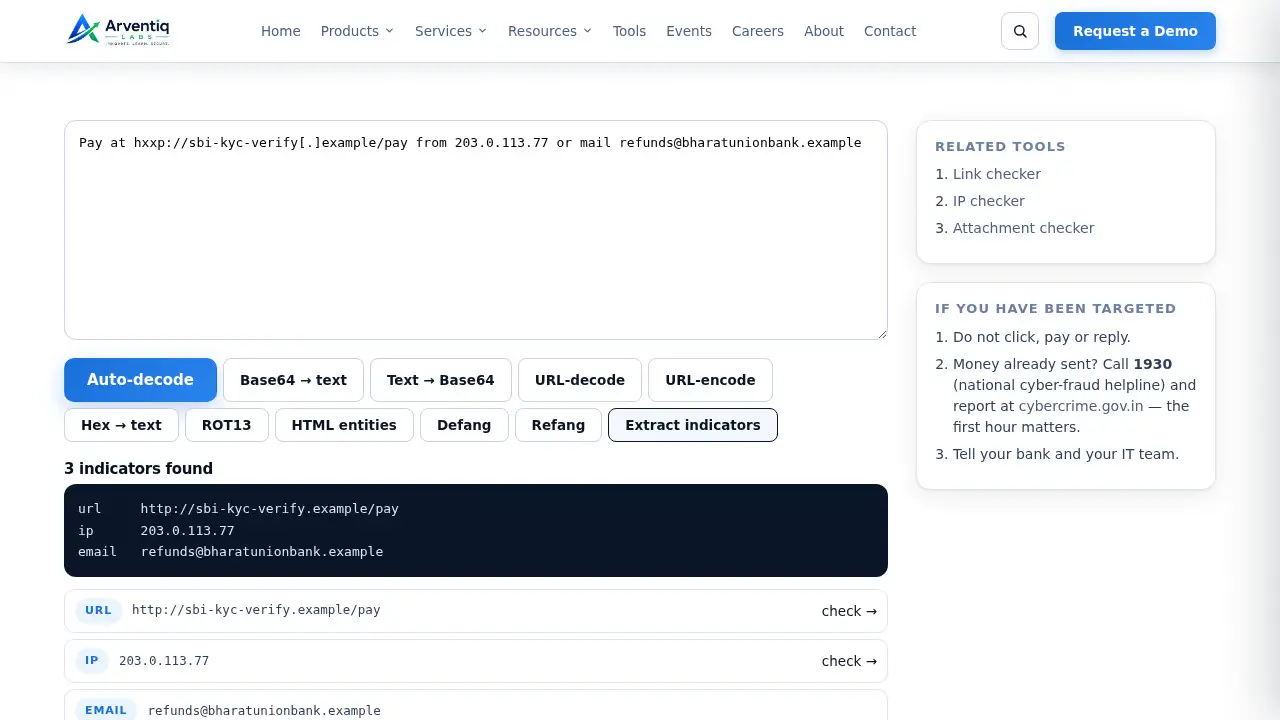
Base64 link, then indicators
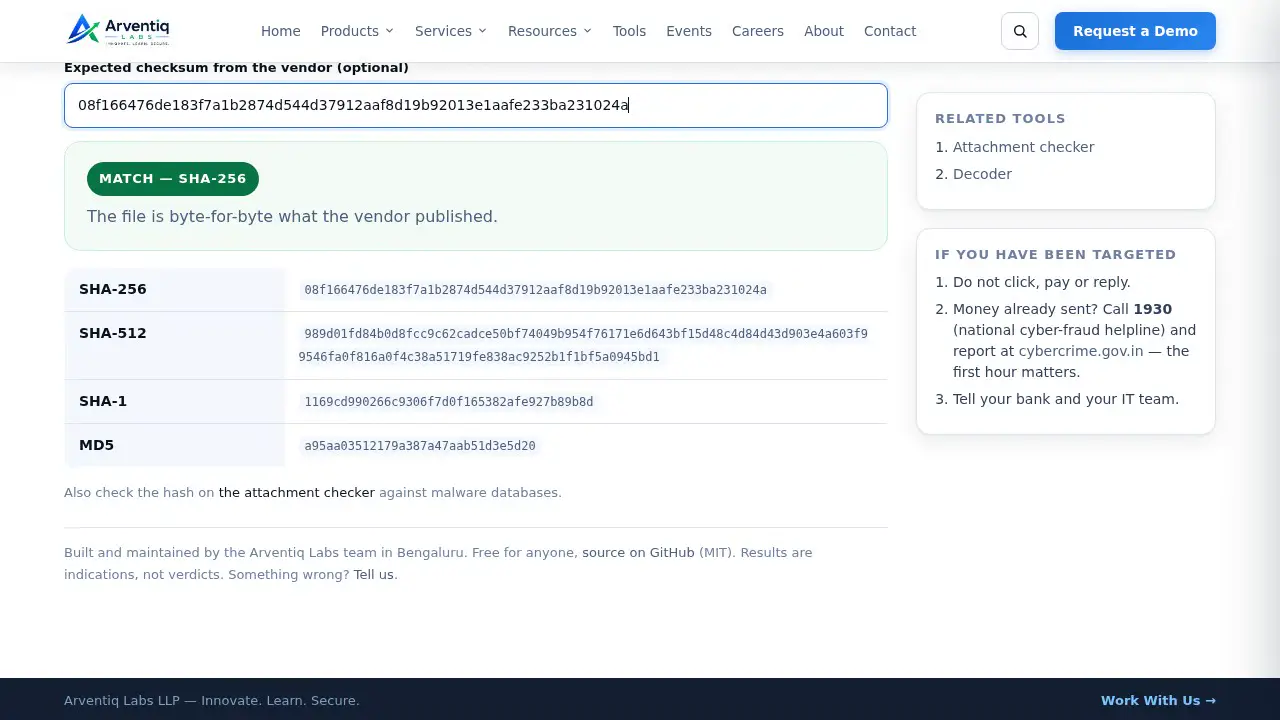
Checksum matches the vendor
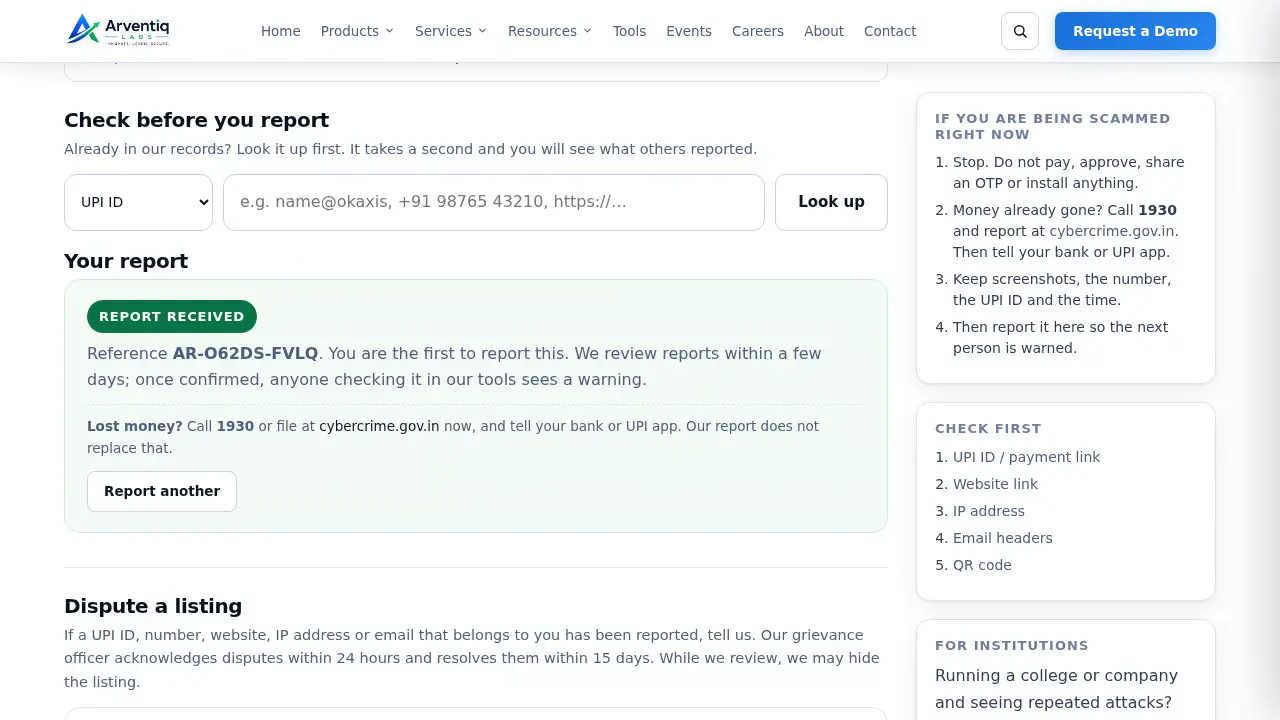
A report in under a minute
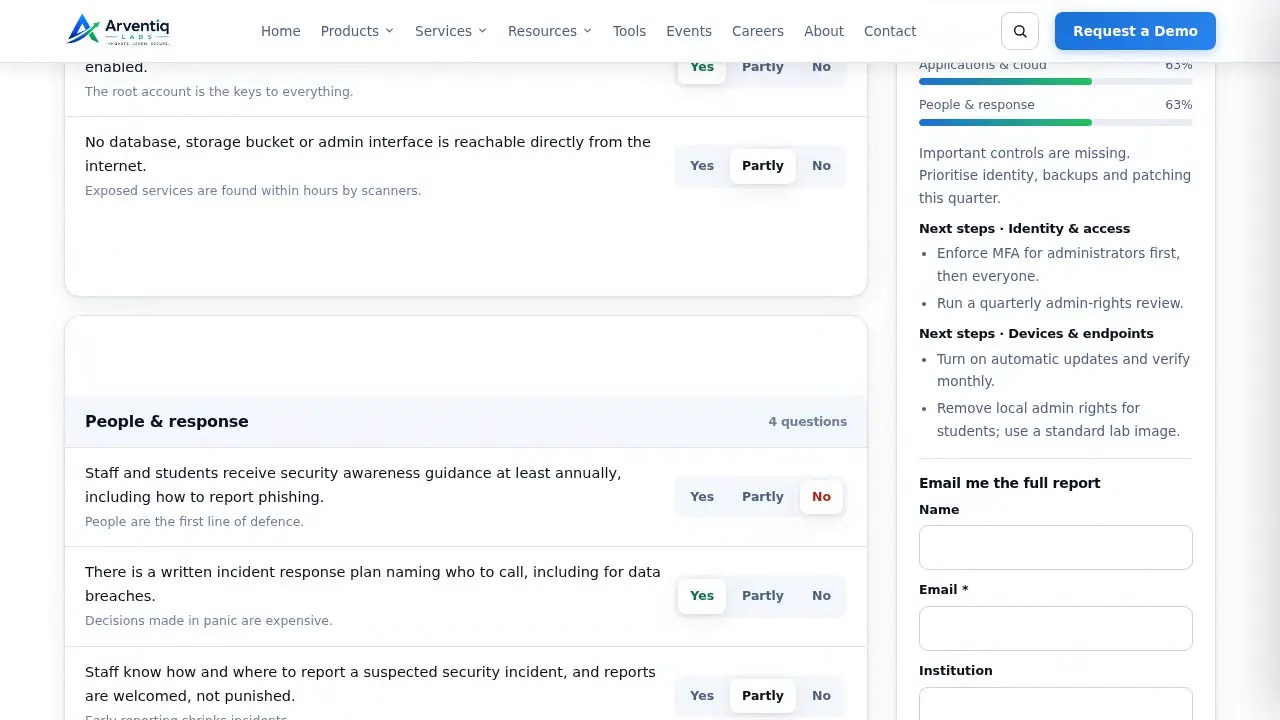
An institution’s score
Most of the work happens on your own device. Only what has to be looked up on the internet reaches our server, and nothing you check is stored.
A fake refund request, a phishing link, a threatening call, a server hammering yours. Tell us the UPI ID, number, link, IP or email behind it. Reviewed by our team; the next person who checks it here sees a warning.
Every week someone in our network — a student, a parent, an administrator at a college we work with — forwards us a message and asks “is this real?”. Usually it takes two minutes and the same handful of checks. These pages are those checks, written down and automated, so you can run them yourself at 11 pm without waiting for a reply.
They are deliberately simple. A tool tells you what it found and why it matters; it will not pretend to certainty it does not have. When a check says “no red flags”, read it as “nothing we test for”, not “safe”.
Known limits: the breach-exposure search needs an API key we are still arranging; VirusTotal and AbuseIPDB rows show “Not enabled” until keys are added; the QR decoder needs a reasonably sharp photo.
Built and maintained by the Arventiq Labs team in Bengaluru. Free for anyone, source on GitHub (MIT). Results are indications, not verdicts. Something wrong? Tell us.